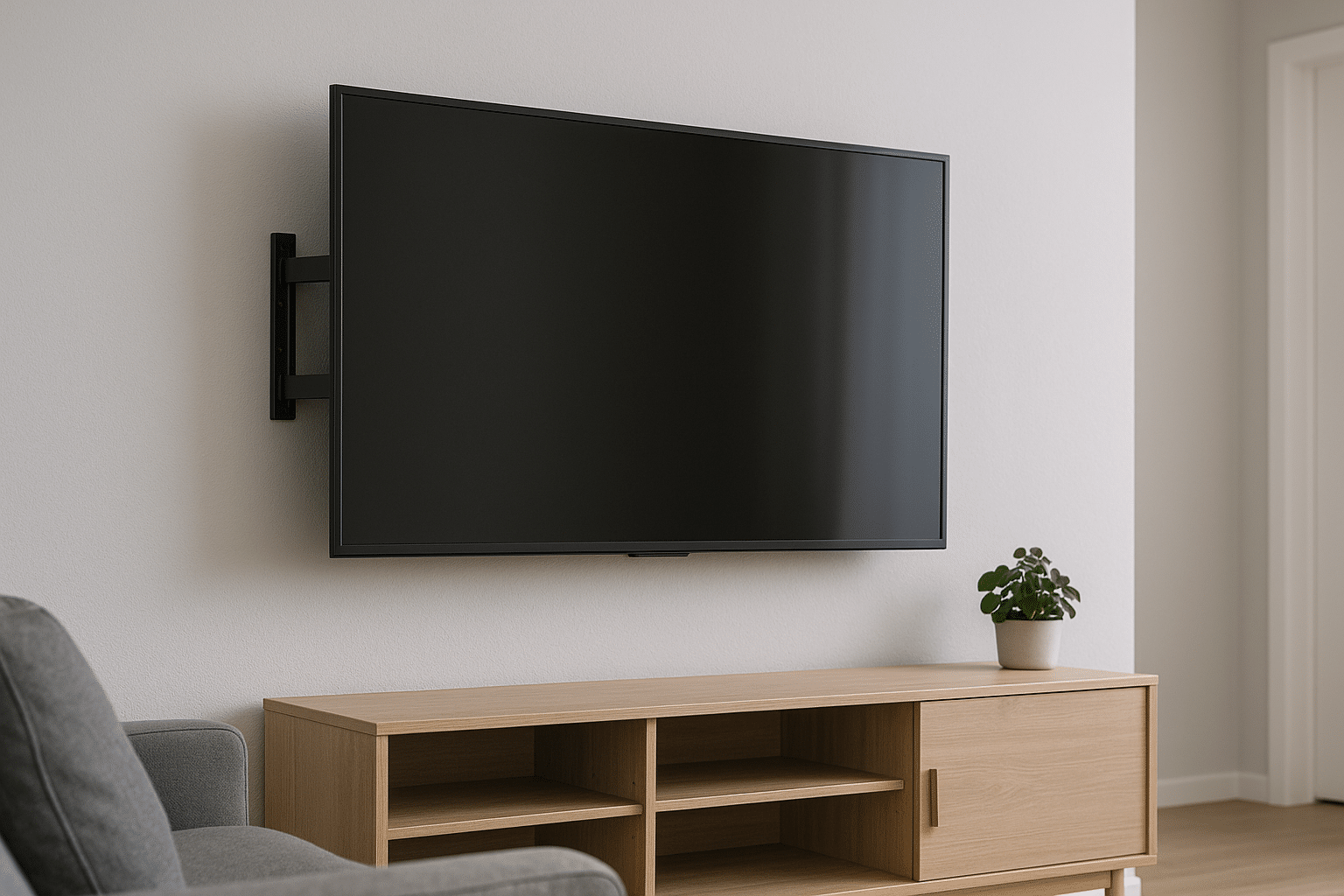
If your TV looks like it’s leaning into the room or the cords resemble a nest behind the screen, you’re not alone. Mounting a TV sounds simple — until the tilt won’t hold, the screws spin in drywall, or you realize the mount you bought won’t fit the studs. This article is for Salt Lake City homeowners who want their living room to look sharp, stay safe, and feel like an upgrade rather than a gamble. You’ll get plain-English fixes for the usual headaches, quick checks you can do with a tape measure and a stud finder, and the local tips that actually matter around here (yes, seismic considerations). Let’s get your picture level and your peace of mind back.
Contents
- 1 Why wall mounts go wrong (and whose fault is it?)
- 2 Loose or tilting TV — quick fixes that actually work
- 3 Anchors pulled from drywall — how to fix a mess
- 4 Mounting on brick, concrete, or plaster — it’s different, trust me
- 5 Cable chaos, glare, and the “height is wrong” problem
- 6 Seismic sense — Salt Lake City specifics
- 7 Tools and terms it helps to know (you’ll impress your neighbor)
- 8 When you should call a pro — and when a DIY will do
- 9 Ready for a steady, stylish install? Let’s talk
Why wall mounts go wrong (and whose fault is it?)
Here’s the thing: most mount problems aren’t mysterious. They’re a mix of cheap hardware, wrong assumptions, and sometimes, honest laziness. You bought a mount online, it claimed “universal fit,” and now the TV slides an inch to the left. That’s not fate — that’s a mismatch between mount and TV weight, or mounting to drywall without hitting studs.
People assume a mount is just a bracket. That’s misleading. Brackets come with different weight ratings, VESA patterns, and tilt functions. Match the specs to the TV, and you’ll avoid half the grief. Use a stud finder like a Bosch or a Franklin — they’re cheap and they save embarrassment.
Loose or tilting TV — quick fixes that actually work
Most homeowners call us about a TV that won’t stay level. Sometimes the tilt mechanism loosens over time. Other times the bolts weren’t tightened properly when installed.
Check the hardware first. Turn off the TV, have someone steady it, and inspect the bolts where the TV attaches to the mount and where the mount meets the wall. Tighten with a torque screwdriver or a socket set — but don’t brute-force it. Over-tightening can strip threads.
Confirm the mount’s weight rating. If the TV is heavier than the mount’s rating, the mount will sag or fail. You can find the TV weight on the manufacturer’s website (Samsung, LG, VIZIO) or in the manual.
If the tilt mechanism is worn, replacing the mounting plate might be cheaper than a whole new mount. Some manufacturers sell replacement parts; others don’t. Honestly, sometimes a new articulating mount is the faster, safer route.
Anchors pulled from drywall — how to fix a mess
Drywall anchors can be great — until they’re not. If your anchor ripped out, you’ll see larger holes, crumbling paper, or the anchor spinning freely.
First option: repair and reattach to studs. Patch the hole, locate a stud, and mount directly to wood with lag bolts (3/8-inch lag bolts are common). That gives you the strongest hold.
Second option: use heavy-duty toggle bolts or a molly bolt. These spread the load across more drywall surface, but they’re still not as strong as studs for big TVs. Use only as a temporary solution for smaller screens.
Third option: install a plywood backing behind the drywall. This is a more involved repair but excellent for renter conversions or when studs are inconveniently spaced. Put a 3/4-inch plywood plate anchored to multiple studs, then mount the TV to the plywood. It’s like giving your TV a little pizza box-sized fortress.
Mounting on brick, concrete, or plaster — it’s different, trust me
If you’re dealing with a brick or concrete wall (common in some Salt Lake City basements and older bungalows), don’t use the same screws you’d use on drywall. You need masonry anchors and a hammer drill with a masonry bit. Brands like DeWalt and Milwaukee make reliable bits for this.
Use sleeve anchors or masonry bolts. They expand in the hole and hold well. Pre-drill to the anchor’s recommended diameter and depth. If you skip this, the anchor will spin and the TV will come down faster than you can say “movie night.”
Cable chaos, glare, and the “height is wrong” problem
Sometimes the issue isn’t structural. It’s visual. You mount the TV, but it’s too high, the glare kills contrast, or the HDMI spaghetti looks awful.
Picture height rule of thumb: The center of the screen should be at eye level when seated. Usually that’s about 42 inches from the floor for living rooms, but measure your couch and your neck comfort.
Glare fixes: Tilt mounts help, anti-glare coatings help more, and sometimes rearranging lamps and curtains is the simplest remedy. You’d be surprised how often a dimmer switch or blackout curtains transform visibility.
Cable management: Use in-wall rated HDMI cables if you’re concealing wires. In many jurisdictions, hiding non-plenum cables inside walls is restricted — check local codes. Surface raceways are a neat alternative that looks professional when painted to match the wall.
Seismic sense — Salt Lake City specifics
Salt Lake City sits near the Wasatch Fault. That doesn’t mean toss your TV out the window, but it does mean take earthquakes seriously. A TV falling during a quake is dangerous and expensive.
Use locking mounts and safety straps. Many mounts have security screws or locks that prevent the TV from being dislodged. Add anti-tip straps anchored into studs for extra peace of mind.
Consider lower-profile mounts. The less the TV can swing away from the wall, the safer it is during tremors. And if you’re in a rental, talk to your landlord about bolting shelving and heavy objects too — it’s worth the small expense.
Tools and terms it helps to know (you’ll impress your neighbor)
Let me explain — knowing a few tools and terms will save you time and money. You don’t need to become a pro, but you should know what you’re asking for.
- Stud finder: Locates wood or metal studs behind drywall. Use a multi-scan one for best results.
- Lag bolts: Heavy-duty bolts used for attaching mounts to studs. Often 1/4 to 3/8-inch in diameter.
- VESA pattern: The hole layout on the back of your TV. Match it to the mount.
- Torque driver: Prevents over-tightening. Handy for ensuring consistent bolt tension.
Say these words in the hardware store and you’ll sound like you know what you’re doing. But don’t be afraid to ask staff for help — most people are happy to show you the right anchor for a masonry wall or a heavier mount that will actually hold your big screen.
When you should call a pro — and when a DIY will do
Some things you can handle yourself: leveling small TVs, tightening bolts, managing cables. But there are clear red flags where it’s smarter — and cheaper long-term — to call an expert.
Call a pro if: You can’t find studs, you have a very large or heavy TV (over 70 inches), your wall is brick or concrete and you don’t own a hammer drill, or you want the mount centered over a fireplace. Also call if the original installation looks unstable — don’t gamble with safety.
We’re fans of DIY when it’s sensible. But for complex installs, especially in Salt Lake City where seismic risk matters, professional installation reduces worry and often comes with a warranty. That’s worth something when the stakes are high.
Ready for a steady, stylish install? Let’s talk
If any of this sounds familiar — the tilt that won’t hold, the drywall anchors that failed, or simply wanting a cleaner setup — we can help. Utah TV Mounting installs, secures, and tidies up TV setups for homeowners across Salt Lake City. We handle stud mounts, masonry installs, Cable Concealment, and seismic-safe anchoring.
Call us at 801-383-0493 or click Request a Free Quote to schedule an estimate. Whether it’s a quick tighten or a full re-mount with hidden cables, we’ll make your TV look great and stay put. You know what? You’ll sleep better knowing it’s done right.