
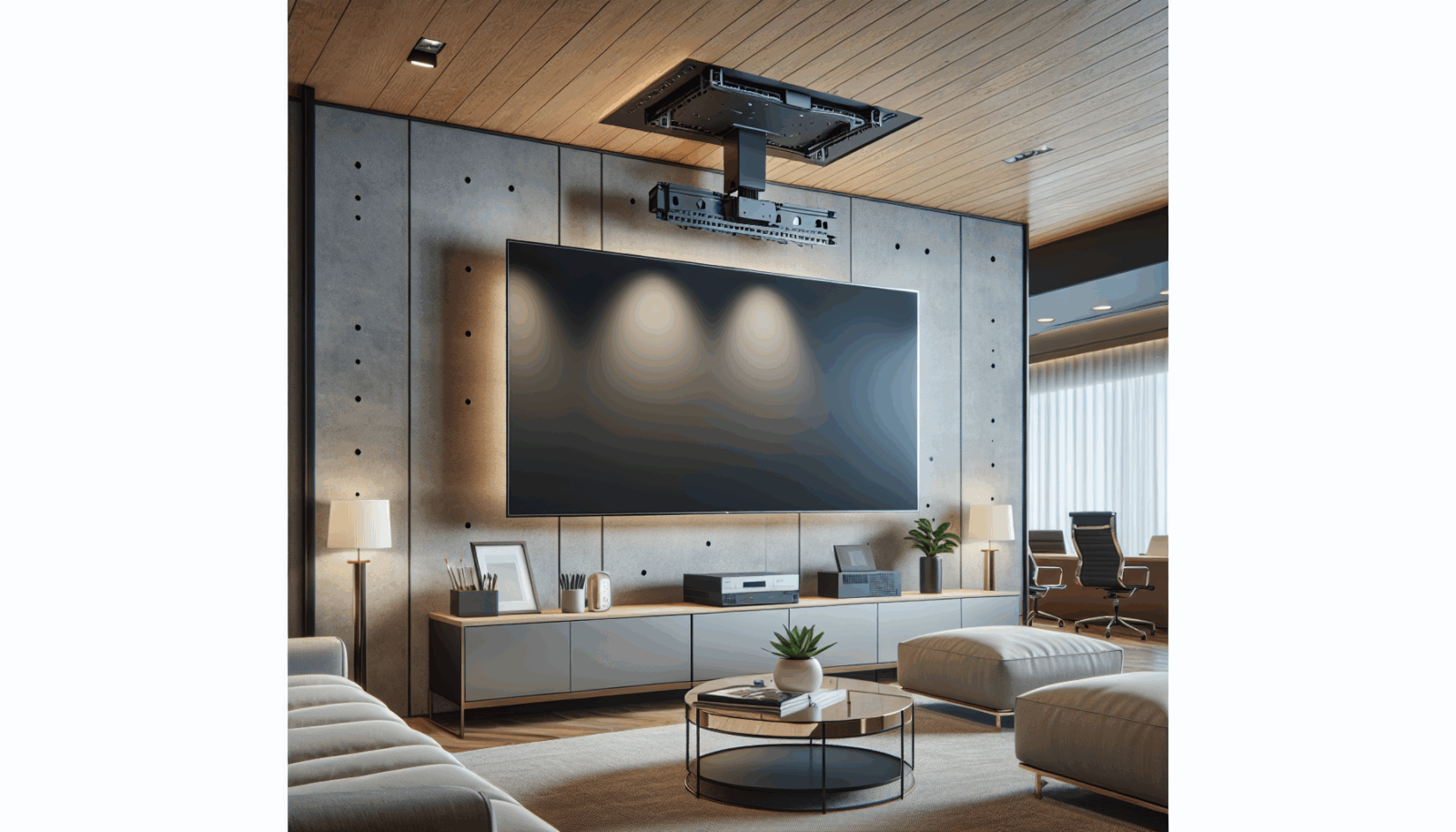
A ceiling mount is useful when wall space is unavailable, the display needs to be visible across a large room, or a commercial layout requires an overhead screen. It also puts a heavy object above people. That changes the acceptable margin for guesswork.
Verify the structure before choosing the location
Identify the joists, trusses, concrete, steel, or engineered support that will carry the installation. A suspended ceiling grid is not a structural attachment point unless an engineered system says otherwise. Peerless-AV recommends evaluating ceiling structure for the combined weight of the display and mount and consulting a qualified architect or structural engineer when the area is questionable.[1]
Match the mount to the display and application
Check actual TV weight, VESA pattern, ceiling interface, pole length, tilt, rotation, locking hardware, and the manufacturer's approved fasteners. UL 2442 covers wall and ceiling mounts and related accessories intended for audio/video equipment.[2] Look for clear listing and load information for the exact product.
Lay out height and viewing angle
Confirm head clearance, sprinkler and lighting clearance, sightlines, screen center, and whether the display will obstruct paths or signage. In a commercial room, AVIXA relates image height to the farthest viewer and the type of content.[3]
Plan power and signal service
Power and signal cables should reach the display without carrying its weight or twisting around the pole. Leave service access. Do not run extension cords or relocatable power taps through ceilings or use them as permanent wiring; NFPA explicitly warns against that use.[4]
Use a controlled installation sequence
- Confirm the TV and mount specifications.
- Have the support point and fastener method approved for the structure.
- Mark orientation, drop length, and viewing angle.
- Install the ceiling interface and pole according to the manufacturer.
- Attach the display brackets with the specified hardware.
- Lift the TV with adequate people or rated lifting equipment.
- Engage every locking and safety feature.
- Route cables with strain relief.
- Inspect from all sides and recheck after the initial use period.
If the overhead structure is hidden or uncertain, pause the installation. Finishing the job faster is not worth improvising above an occupied area.
Sources
Manufacturer requirements and standards can change. Check the documentation for your exact television, mount, wall system, and room before installation.
- Peerless-AV mount buying guide (accessed September 21, 2026)
- UL 2442, Wall- and Ceiling-Mounts and Accessories (accessed September 21, 2026)
- AVIXA display image size calculator (accessed September 21, 2026)
- NFPA electrical fire safety guidance for relocatable power taps (accessed September 21, 2026)