
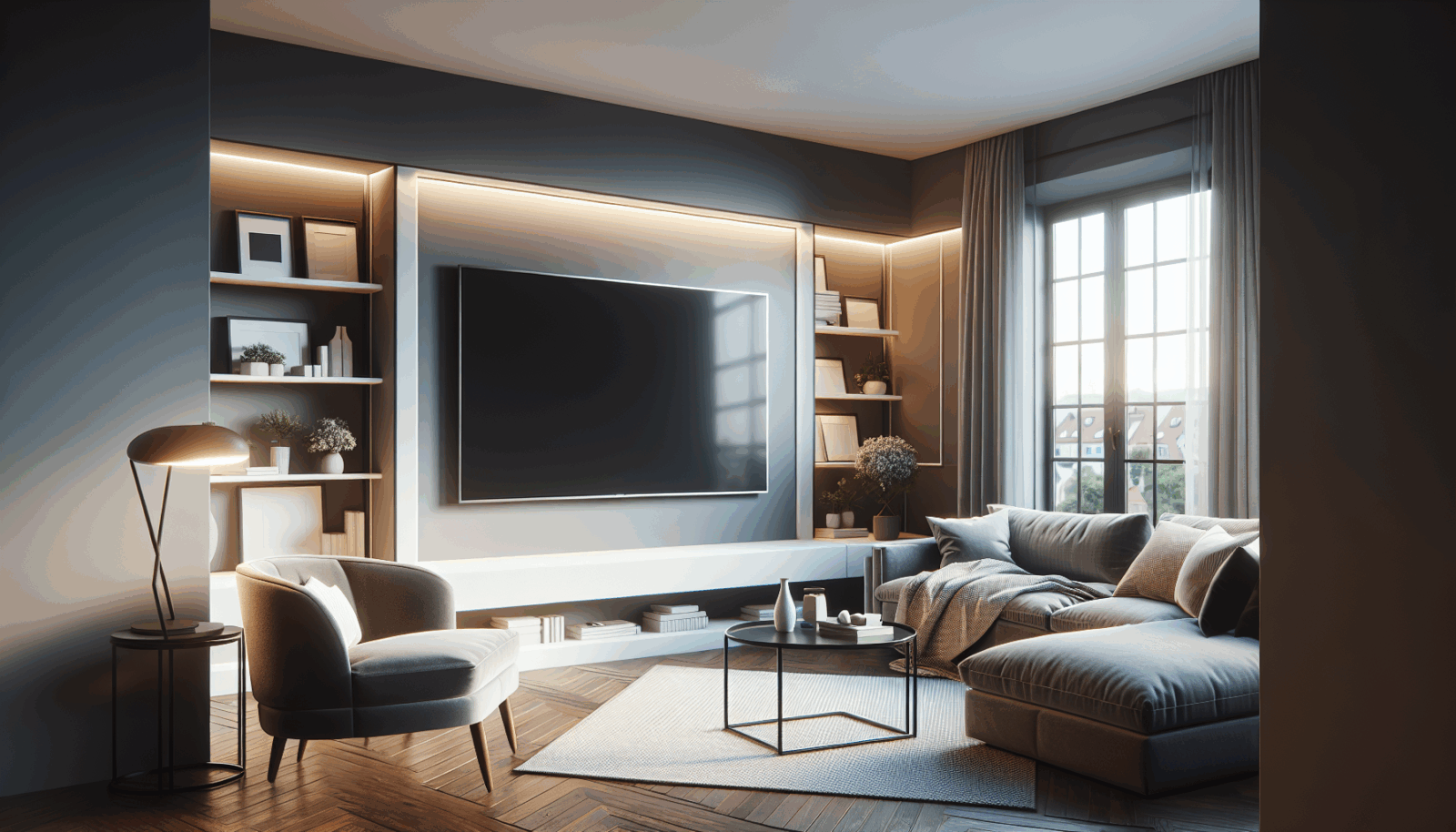
A corner can be the best place for a television in a room with windows, a fireplace, or several seating areas. The mount normally attaches to one wall, not to the corner itself, and the arm positions the screen across the corner. That geometry affects nearly every decision.
Mock up the screen first
Tape the TV outline in the expected viewing position. Check the screen from every regular seat, then mark where its center lands on each adjacent wall. The wall plate may need to sit farther from the corner than expected so the screen can rotate without its edge touching the other wall.
Measure the full motion envelope
- TV width and depth
- Distance from wall plate to corner
- Arm extension
- Required swivel angle
- Clearance for plugs and a soundbar
- Cable slack through every position
A catalog swivel angle is measured under stated conditions. A wide TV beside an adjacent wall can reach the wall before the mount reaches its advertised angle.
Account for leverage
A full-motion arm places more leverage on the wall when extended. Verify the television weight, mount rating, VESA pattern, and wall structure. VESA covers the interface at the TV.[1] Peerless-AV separately advises checking the structure for the combined load of the display and mounting hardware.[2]
Set viewing height in the real position
Do not calculate height with the screen parked flat against the wall if it will normally sit angled across the corner. Set the center near seated eye height in the actual viewing position. THX recommends limiting the vertical sightline to roughly 15 degrees from screen center.[3]
Plan cables for movement
Use a controlled service loop so cables can move without stretching, pinching, or rubbing on the arm. Keep power work code-compliant and accessible. If an HDMI run is long, use a cable rated for the needed bandwidth and installation method.
Test slowly
After hanging the TV, move the arm through a small range while another person watches cables and clearances. Increase the motion only after confirming that nothing binds. A corner installation is successful when the preferred viewing position is easy to repeat and the television can move without contacting either wall.
Sources
Manufacturer requirements and standards can change. Check the documentation for your exact television, mount, wall system, and room before installation.
- VESA Flat Display Mounting Interface Standard (accessed September 21, 2026)
- Peerless-AV mount buying guide (accessed September 21, 2026)
- THX television placement guidance (accessed September 21, 2026)