
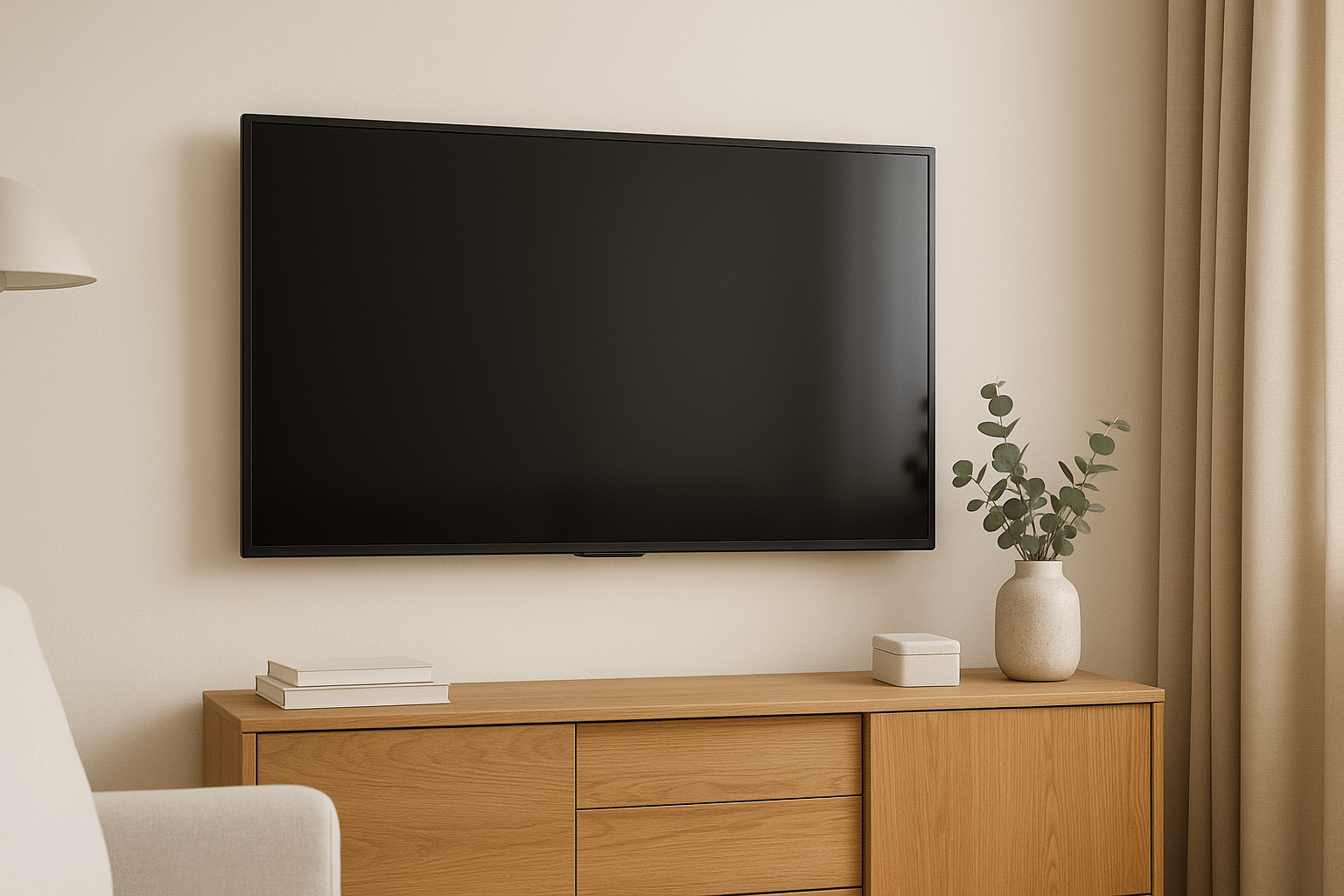
A television can be perfectly level and still be uncomfortable. The usual problems are a screen that sits too high, a seat that is too close for the screen size, glare that forces an awkward posture, or a mount that cannot point the picture toward the viewer.
Measure from the viewer
Sit normally in the main seat and measure eye height. Use that as the starting screen-center position. THX suggests keeping the sightline within about 15 degrees above or below the screen center.[1] A few inches of compromise may be reasonable, but a dramatic upward angle is worth solving before installation.
Match distance and screen size
A large screen seen from very close can require constant eye movement, while a small screen across a long room makes detail harder to read. RTINGS frames distance in terms of field of view and distinguishes immersive viewing from more general use.[2] Measure the actual seating distance instead of choosing by room label.
Control glare at the source
Check windows and lights at the times the TV is normally used. A tilt mount can redirect the screen and reduce some reflections, but curtains, shades, or light placement may solve the problem without raising the television.
Choose motion for the room
- A fixed mount works when seating stays centered and height is right.
- A tilt mount helps when the screen must sit somewhat higher.
- A full-motion mount helps with multiple viewing areas, but the wall and cable path must support its movement.
- A pull-down mount may improve a fireplace sightline, but it does not solve excessive heat.
Test before drilling
Tape the screen outline on the wall and watch it from each regular seat for several minutes. Check a reclined bedroom position separately from a seated living-room position. If viewers still have to lift their chin or turn sharply, change the wall, height, seating, or mount before committing.
Comfort comes from the relationship between people and the screen, not from a standard height copied from another room.
Sources
Manufacturer requirements and standards can change. Check the documentation for your exact television, mount, wall system, and room before installation.
- THX television placement guidance (accessed September 21, 2026)
- RTINGS TV size and viewing-distance guide (accessed September 21, 2026)