
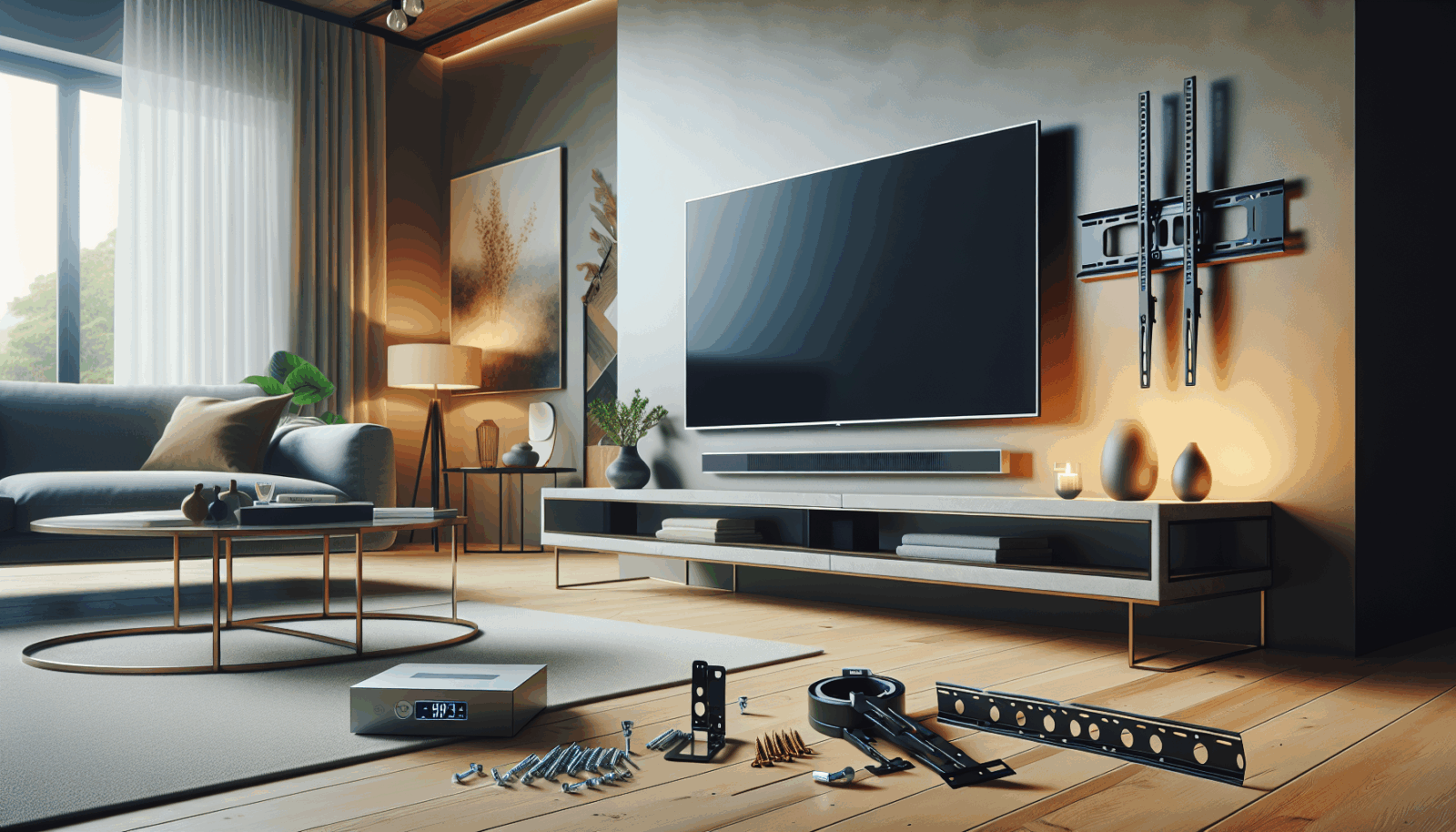
A wall-mounted TV should feel uneventful when the job is finished. It should sit level, stay put when the arm moves, and leave the power and signal cables serviceable. Most bad installations can be traced to one of three shortcuts: choosing a mount by screen size alone, guessing at what is behind the wall, or drilling before the viewing height and cable path are settled.
Start with the television, not the wall
Write down the exact TV model, its weight without the stand, and its rear mounting pattern. VESA's mounting standard defines the interface between a display and its mount, but matching the hole pattern is only one part of compatibility.[1] The mount also needs a published weight capacity that exceeds the TV's actual weight, enough clearance for the power and input connections, and the right motion range for the room.
Check the TV manual before buying hardware. Sony notes that mount dimensions, hole spacing, cable location, and installation clearances vary by model.[2] A universal bag of bolts is not permission to use whichever screw happens to thread into the television.
Confirm what will carry the load
Wall texture and paint tell you almost nothing about structure. The load may need to land in wood studs, engineered framing, masonry, or a mounting system specifically approved for another substrate. Peerless-AV recommends evaluating the wall or ceiling structure for the combined weight of the display and mount and consulting a qualified architect or structural engineer when the support is questionable.[3]
Do not assume a stud finder has settled the question. Plumbing, electrical cable, metal studs, blocking, and unusual framing can all change the plan. If the wall cannot be positively identified, stop before drilling.
Set the viewing position before the bracket position
Sit where the room will actually be used. Measure seated eye height, check glare from windows and lights, and make a cardboard outline of the screen if the placement is uncertain. For a fixed mount, the screen center should usually stay close to the seated sightline. A higher installation may call for tilt or a pull-down system, but motion does not fix every uncomfortable location.
Plan power and signal cables as part of the installation
Decide where the outlet, HDMI connections, soundbar, game console, streaming device, and any One Connect box will live before mounting the TV. Power strips are not substitutes for permanent branch-circuit wiring. NFPA's guidance on relocatable power taps says they should not be used as a replacement for permanent wiring and should not be run through walls, ceilings, floors, doors, or windows.[4]
For long or concealed HDMI runs, use cable rated for the installation and the bandwidth you actually need. The official Ultra High Speed HDMI certification program tests compliant cables for bandwidth up to 48 Gbps and for low electromagnetic interference.[5]
A practical installation sequence
- Verify the exact TV model, weight, VESA pattern, and manufacturer requirements.
- Choose a listed mount with the required load rating and motion.
- Identify the wall construction and a verified load path.
- Confirm viewing height, glare, and furniture clearances.
- Map power, HDMI, audio, and device locations.
- Lay out the wall plate from measurements, not from the top edge of the TV.
- Scan and inspect before drilling.
- Install only with hardware approved for the mount and substrate.
- Hang the TV with enough help to control it safely.
- Level, secure safety fasteners, test the full motion slowly, and recheck every connection.
When to stop and call an installer
Bring in help when the TV is unusually large, the mount extends far from the wall, the wall type is uncertain, the location is above a fireplace, concealed power must be added, or the screen will hang overhead. The U.S. Consumer Product Safety Commission's Anchor It program exists because unstable televisions and furniture can cause fatal tip-over injuries.[6] A clean-looking installation is not enough. The load path has to be right.
Sources
Manufacturer requirements and standards can change. Check the documentation for your exact television, mount, wall system, and room before installation.
- VESA Flat Display Mounting Interface Standard (accessed September 21, 2026)
- Sony wall-mount compatibility and dimension guidance (accessed September 21, 2026)
- Peerless-AV mount buying guide (accessed September 21, 2026)
- NFPA electrical fire safety guidance for relocatable power taps (accessed September 21, 2026)
- HDMI Licensing Administrator, Ultra High Speed HDMI Cable program (accessed September 21, 2026)
- U.S. Consumer Product Safety Commission, Anchor It (accessed September 21, 2026)