
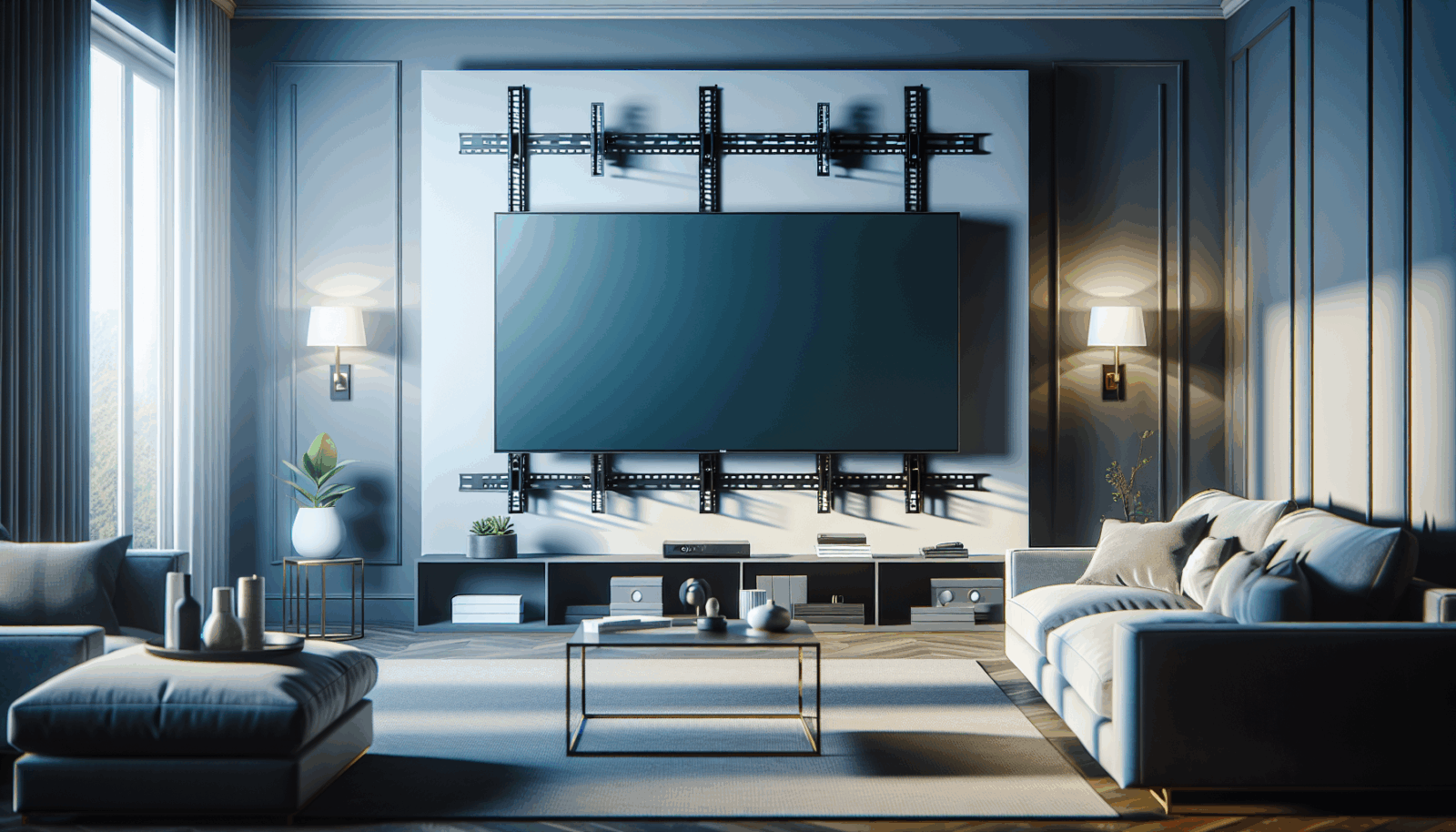
A television that suddenly tilts, sags, or pulls away from the wall is not a cosmetic problem. Something in the load path has changed. The failure may be in the TV attachment, the mount joints, the wall plate, the fasteners, or the wall itself. Tightening the most visible screw can hide the symptom while leaving the real problem in place.
First, reduce the risk
Keep people, especially children, away from the area. Do not extend or swivel the arm. Disconnect cables only if that can be done without moving the television. If the wall plate is separating, the drywall is cracking, or hardware is falling out, support the TV and arrange to remove it safely.
The CPSC's Anchor It program documents the serious injury risk from unstable televisions and furniture.[1] A heavy display is not the place for a wait-and-see repair.
Identify where movement begins
- TV-to-bracket connection: movement between the television and its vertical rails can indicate missing locking hardware, incorrect spacers, or unsuitable screws.
- Mount joints: a full-motion arm may sag because a manufacturer-approved tension adjustment is wrong or because a joint is worn.
- Wall plate: movement at the wall can point to loose fasteners, missed framing, damaged anchors, or an unsuitable substrate.
- Wall surface: crushed drywall, expanding holes, cracks, or a plate sinking into texture suggest that the wall is participating in the failure.
Do not mix up compatibility and structure
A mount can match the TV's VESA pattern and still be wrong for its weight or wall. VESA defines the display interface, while mount capacity and the supporting structure determine whether the full assembly is suitable.[2] Peerless-AV advises checking the wall or ceiling for the combined weight of the display and mounting hardware.[3]
When a repair may be straightforward
If the wall plate is solid, the hardware is complete, and the issue is a documented leveling or tension adjustment, follow the mount manufacturer's instructions exactly. Use the correct tool and support the screen while adjusting it. Do not substitute hardware or exceed the documented adjustment range.
When the installation should be rebuilt
- The wall plate moves or has pulled into the wall.
- Fasteners spin without tightening.
- The mount is bent, cracked, or missing locking parts.
- The TV exceeds the mount's rated weight or pattern.
- The wall type or fastener path cannot be verified.
- There are signs of a plumbing or electrical strike.
- The installation relies on damaged drywall or improvised blocking.
A safe repair restores a known load path from the television to a compatible mount and into adequate structure. If any part of that path is uncertain, the correct fix is inspection and reinstallation, not another turn of the wrench.
Sources
Manufacturer requirements and standards can change. Check the documentation for your exact television, mount, wall system, and room before installation.
- U.S. Consumer Product Safety Commission, Anchor It (accessed September 21, 2026)
- VESA Flat Display Mounting Interface Standard (accessed September 21, 2026)
- Peerless-AV mount buying guide (accessed September 21, 2026)