
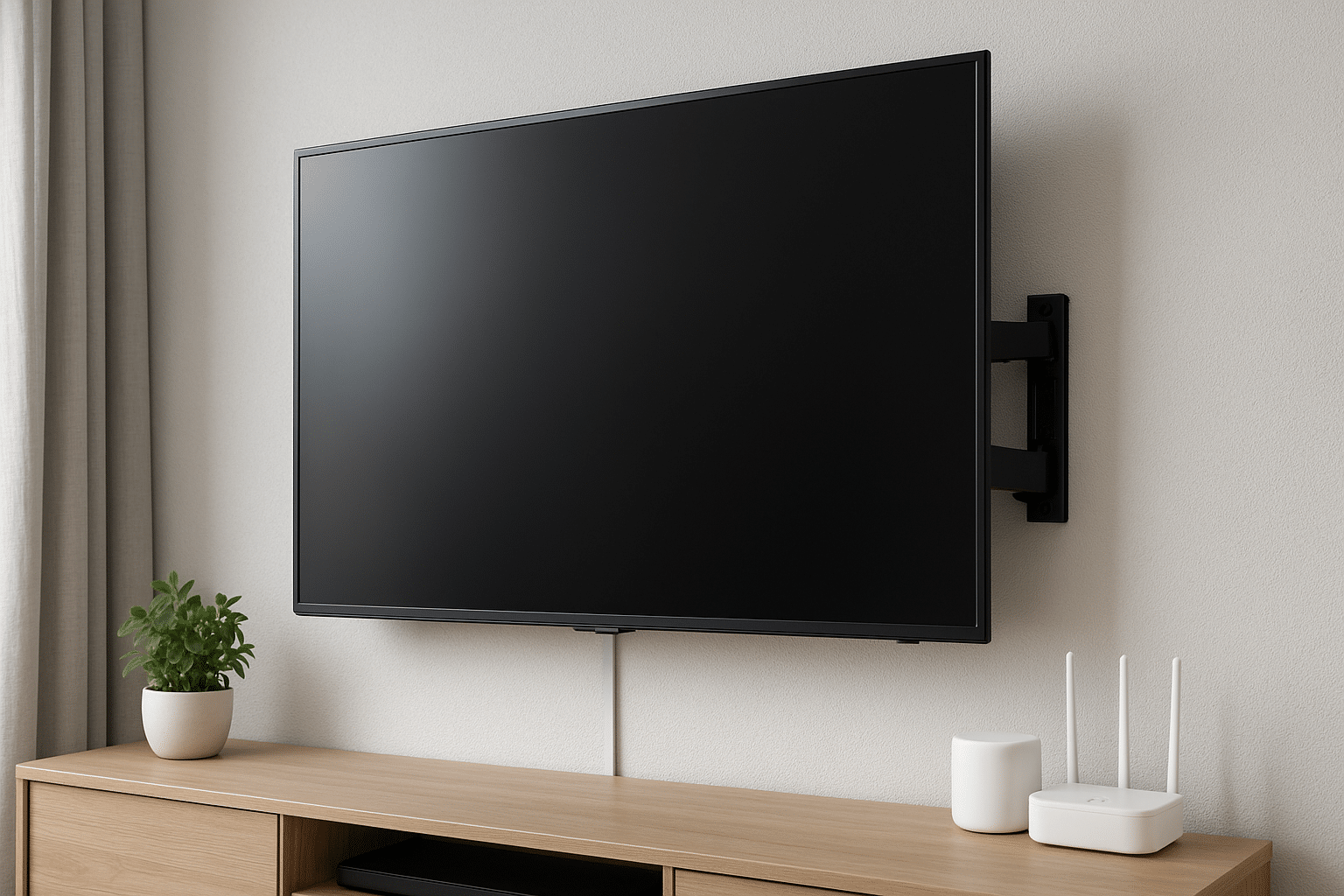
Mounting a TV for a smart home is more than just hanging a screen on a wall; it’s about making your living room feel calm, clean, and a little bit clever. If you're a weekend DIYer or someone who’d rather call a pro, knowing which features matter saves time, money, and headaches, especially here in Salt Lake City where style and function both count. A good mount can make your TV disappear into the room until you want it to shine.
Why this matters for homeowners in Salt Lake City
If you live in Salt Lake City, you’re juggling mountains, weather swings, and a fair share of entertaining. Families want big-screen movie nights. Sports fans crave perfect sightlines. And with smart devices everywhere, a plugged-in TV is often the hub of a home’s system. That means your mount has to do more than hold weight; it has to play nice with speakers, streaming boxes, voice assistants, and sometimes even a soundbar.
a cheap mount might save you a few bucks today and cost you twice as much later, wobbly picture, poor cable routing, and ugly gaps that ruin the aesthetic. You’re aiming for tidy, dependable, and smart-ready. That’s what we’ll cover.
What to look for: the must-have features
VESA compatibility and load capacity. First, check the VESA pattern on your TV and the mount. It’s not glamorous, but it’s essential. Match the bolt pattern and don’t forget to confirm the weight rating. Bigger screens need stronger hardware; a 55-inch LED and a 75-inch OLED are not the same animal.
Full-motion vs. low-profile: choose what fits your life. Full-motion mounts give tilt and swivel; great if you watch from multiple spots. Low-profile mounts hug the wall and look sleek. Sounds like a clear choice, right? Not always, sometimes a thin mount limits ventilation, which matters for high-brightness TVs and gaming sessions.
Motorized movement and remote control. Want your TV to glide out with a tap on your phone? Motorized mounts are wonderful for that theater feel. They also let you hide the screen when not in use. But honestly, they cost more and need power nearby; factor that into your install plan.
Integrated cable management. Nothing destroys that clean, built-in look faster than trailing HDMI cables and power cords. Look for mounts with channels or covers that conceal wiring. Better yet, consider a recessed power box behind the TV so cords don’t have to snake down the wall.
Soundbar and accessory integration. If you own a Sonos Beam, a Bose soundbar, or Apple TV boxes, find a mount that supports a shelf or dedicated bracket for accessories. Otherwise you’ll end up doing awkward balancing acts or extra shelving.
Built-in leveling and easy install features. Small built-in bubble levels and simple hang rails make installation neater and faster. They don’t sound sexy, but they save a lot of cussing and re-drilling.
Smart home and voice assistant compatibility. You’ll want a mount that doesn’t block IR sensors or motion for devices like Amazon Echo, Google Nest, or Apple HomeKit cameras. If your TV is a central smart display, make sure the mount keeps the mic and sensors unobstructed.
Security and anti-theft features. For homeowners with open-plan spaces or ground-floor windows, locking bolts or tamper-resistant fasteners add peace of mind. It’s a small addition that pays off.
Safety and local concerns, yes, think seismic
Utah isn’t immune to earth movement. That means anchoring to studs and using hardware rated for lateral loads is smart, literally. Toggle bolts might work for some drywall setups, but when it comes to heavier TVs, studs are the safe bet. Professional installers will also account for the type of wall, plaster, drywall, concrete, which changes the fastener choices.
Also, consider heat and ventilation. TVs and streaming boxes generate heat; keep airflow in mind so your system doesn’t throttle or age prematurely.
Extras that make life easier
Built-in surge protection and power management. A mount that provides neat ways to integrate a surge protector keeps your devices safe without a visible power strip.
Cable pass-through or recessed power kits. These make the installation look intentional, like the TV was always meant to be there.
Compatibility with future upgrades. Buy a mount that can handle a slightly larger TV than you own now. TVs get thinner, but screen sizes often grow; a little flexibility saves another reinstall later.
Warranty and service. A solid warranty and local support mean you don’t have to fight shipping or international returns. If something goes wrong, local pros can come out and fix it fast, especially helpful during holiday hosting season.
When should you DIY and when should you call a pro?
If you’re hanging a small TV on a stud, with basic tilt and no clever wiring, you can probably handle it on a Saturday afternoon. But if the install involves in-wall power, a motorized system, a soundbar mount, or anchoring to concrete, call a professional. You might save money by doing it yourself, but you’ll lose hours (and sleep) if the TV tips or the wiring looks like a crime scene.
Professional installers bring tools (and patience), plus insurance. They’ll make sure the mount is level, secure, and integrated with your smart home, the way you actually want it to be.
Seasonal tips and trends you’ll care about
With holiday gatherings and playoff games, winter months see a spike in TV installs. That’s also when lighting matters more; consider anti-glare screens or angling your TV to avoid sun glare from western windows in the afternoon. Streaming devices and Chromecast or Roku sticks are getting smaller, but a lot of us still prefer a discreet shelf or hub behind the set.
Also, voice control is getting smarter every year. If you’re running an Alexa routine for lights and TV, make sure the mount doesn’t block the microphones, or worse, hide the IR blaster that makes your older devices work with modern remotes.
How Utah TV Mounting can help
We know Salt Lake City homes, old brick bungalows, new townhomes, places with tall ceilings and tricky studs. At Utah Tv Mounting, we match the right mount to your TV, room, and routine. We’ll check wall type, run clean power and cable options, and get your TV sitting perfectly every time.
Want fast, locally backed service? Give us a call at 801-383-0493. Prefer to reach out online? Request a Free Quote and we’ll respond quickly with options and pricing tailored to your home.
If you’re thinking about a motorized mount, a low-profile install, or just a better living room layout for the next season of shows, let’s talk. We’ll bring the tools, the know-how, and the care to make your setup look effortless.