
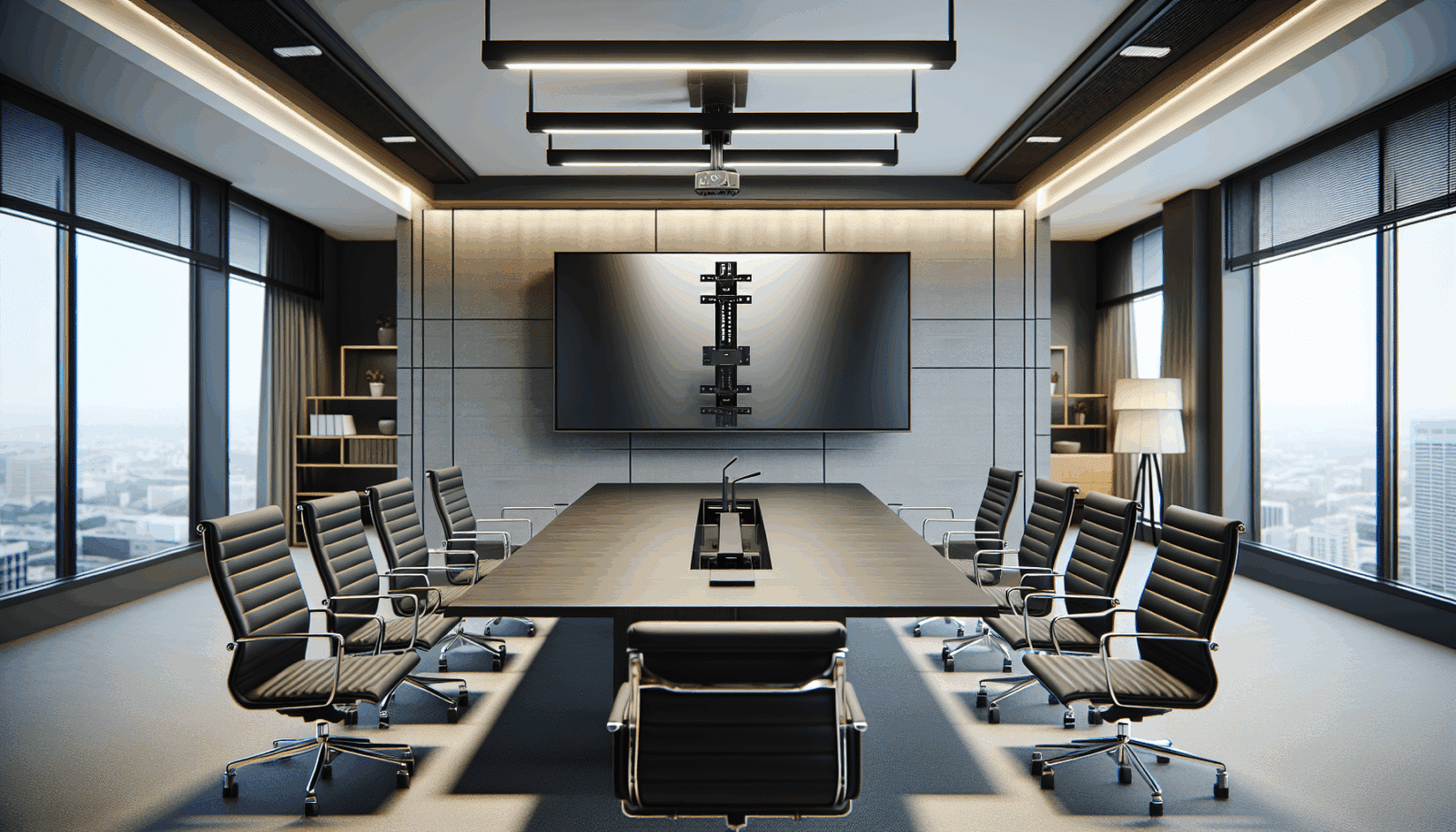
A conference-room display should make spreadsheets readable, faces easy to see, and calls natural from every regular seat. Buying a large television and centering it on the front wall is not a complete AV plan.
Size the image for the farthest viewer
AVIXA's display image size method relates the farthest viewer, image height, and content type.[1] Detailed spreadsheets and dashboards need a more demanding sightline than large presentation graphics. Measure the room and decide what people must read before choosing the display.
Place the camera and screen together
A camera far above or beside the screen makes remote participants appear disconnected from the conversation. Decide whether the camera will sit above, below, or between displays, then make sure the mount leaves the lens, speakers, and service points clear.
Choose motion only when the room needs it
- Fixed wall mount: clean and stable for a dedicated front wall.
- Tilt mount: useful when the display must sit higher than ideal.
- Full-motion mount: helps in divisible rooms or when the screen must turn, but adds leverage and cable movement.
- Ceiling mount: useful when walls are unavailable, provided the overhead structure is verified.
- Mobile cart: flexible, but it needs a stable base, cable management, and a safe storage position.
Verify support and listing
Peerless-AV recommends evaluating the wall or ceiling for the combined weight of the display and mount.[2] UL 2442 covers wall and ceiling mounting equipment for audio/video gear.[3] Check the exact product's load, VESA range, and listing.
Plan the signal path before the wall is closed
Document table inputs, room computer, videoconference appliance, USB camera, microphones, speakers, control, network, and spare pathways. For high-bandwidth HDMI, the official Ultra High Speed certification program verifies compliant cables for bandwidth up to 48 Gbps and low electromagnetic interference.[4]
Leave it serviceable
Technicians need access to inputs, adapters, power supplies, and reset buttons without removing millwork. Label both ends of every cable and keep a simple room diagram. A conference room is successful when a new user can start a meeting without calling the person who installed it.
Sources
Manufacturer requirements and standards can change. Check the documentation for your exact television, mount, wall system, and room before installation.
- AVIXA display image size calculator (accessed September 21, 2026)
- Peerless-AV mount buying guide (accessed September 21, 2026)
- UL 2442, Wall- and Ceiling-Mounts and Accessories (accessed September 21, 2026)
- HDMI Licensing Administrator, Ultra High Speed HDMI Cable program (accessed September 21, 2026)