
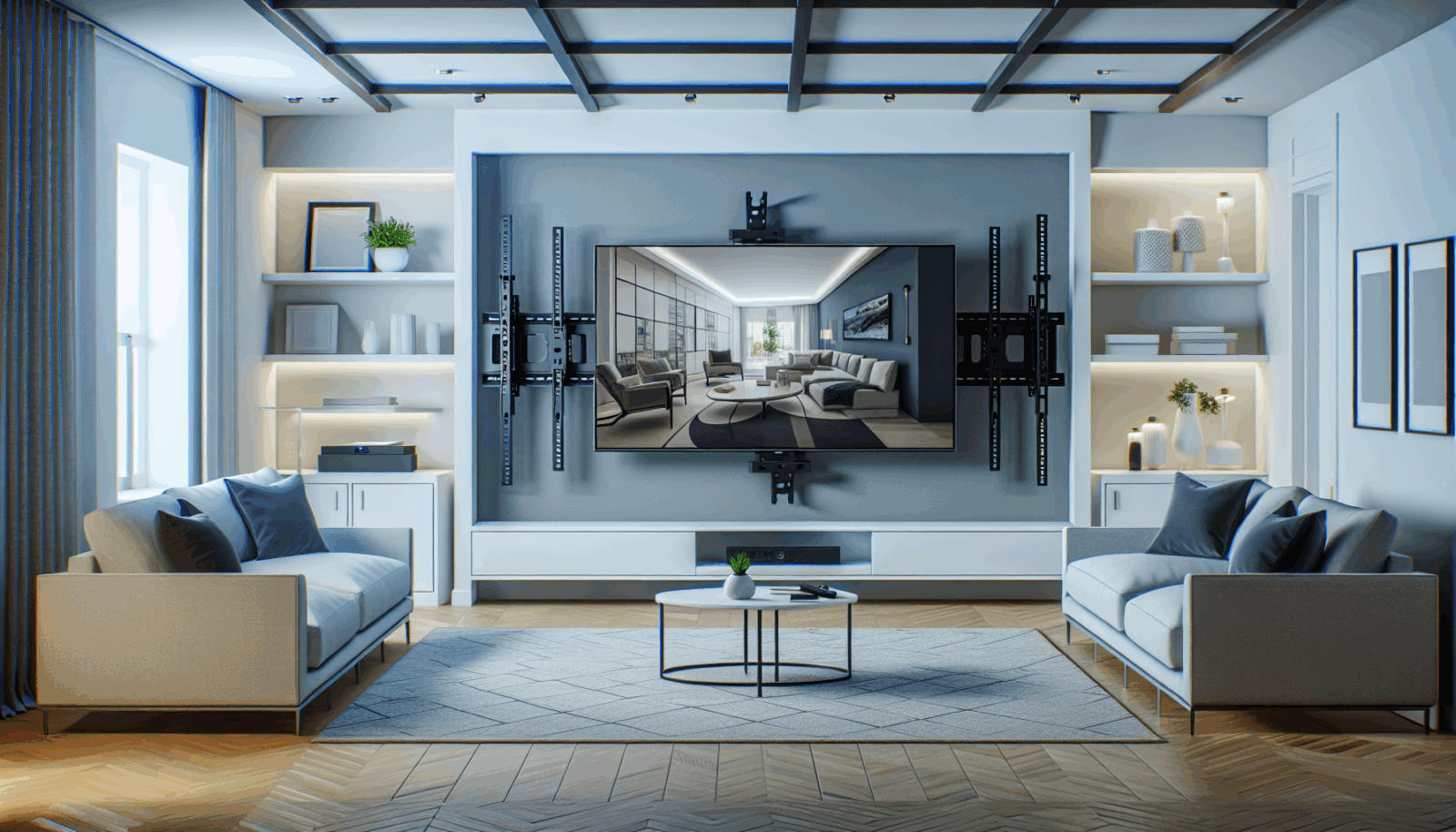
Start with a drawing and measurements, not a brand list. The right motorized mount is the one that reaches the needed viewing position while staying inside every structural and equipment limit.
1. Record the television data
- Exact model number and weight without the stand
- VESA hole pattern
- Cabinet width, height, and depth
- Power and input locations
- Any soundbar or accessory that will move with the TV
VESA compatibility confirms the interface pattern. It does not replace the mount's weight and clearance limits.[1]
2. Measure the motion envelope
Mark the retracted and viewing positions. Check mantels, shelves, artwork, ceiling height, adjacent walls, and furniture. Include the television itself in the swing path. A mount that swivels 30 degrees in a showroom may not do so with an 85-inch screen next to a side wall.
3. Verify the load path
The wall or ceiling carries both the display and the powered hardware, plus the leverage created when the screen moves away from the structure. Peerless-AV recommends evaluating the structure for the combined load and seeking qualified structural input when it is questionable.[2]
4. Compare controls and failure behavior
Check presets, manual override, obstruction behavior, remote replacement, app support, and what the unit does after power loss. Ask whether the mount can be serviced without removing finished millwork.
5. Treat fireplace heat separately
A drop-down mechanism may lower the screen for viewing, but the stored position can still expose the television to heat. Samsung's wall-mount guidance does not recommend fireplace placement and gives 104°F as a maximum for its televisions.[3] Use the requirements for the exact TV and fireplace.
6. Compare published numbers
For example, MantelMount lists a defined weight range, VESA range, drop distance, swivel angle, and mantel clearance for the MM815.[4] Every candidate should be checked at that level of detail. Avoid products that hide load ratings, compatible patterns, or warranty support behind a generic screen-size claim.
If two mounts meet the requirements, favor the simpler installation, better service access, and clearer manufacturer documentation. Those qualities matter longer than a feature list.
Sources
Manufacturer requirements and standards can change. Check the documentation for your exact television, mount, wall system, and room before installation.
- VESA Flat Display Mounting Interface Standard (accessed September 21, 2026)
- Peerless-AV mount buying guide (accessed September 21, 2026)
- Samsung wall-mounting considerations (accessed September 21, 2026)
- MantelMount MM815 published specifications (accessed September 21, 2026)