
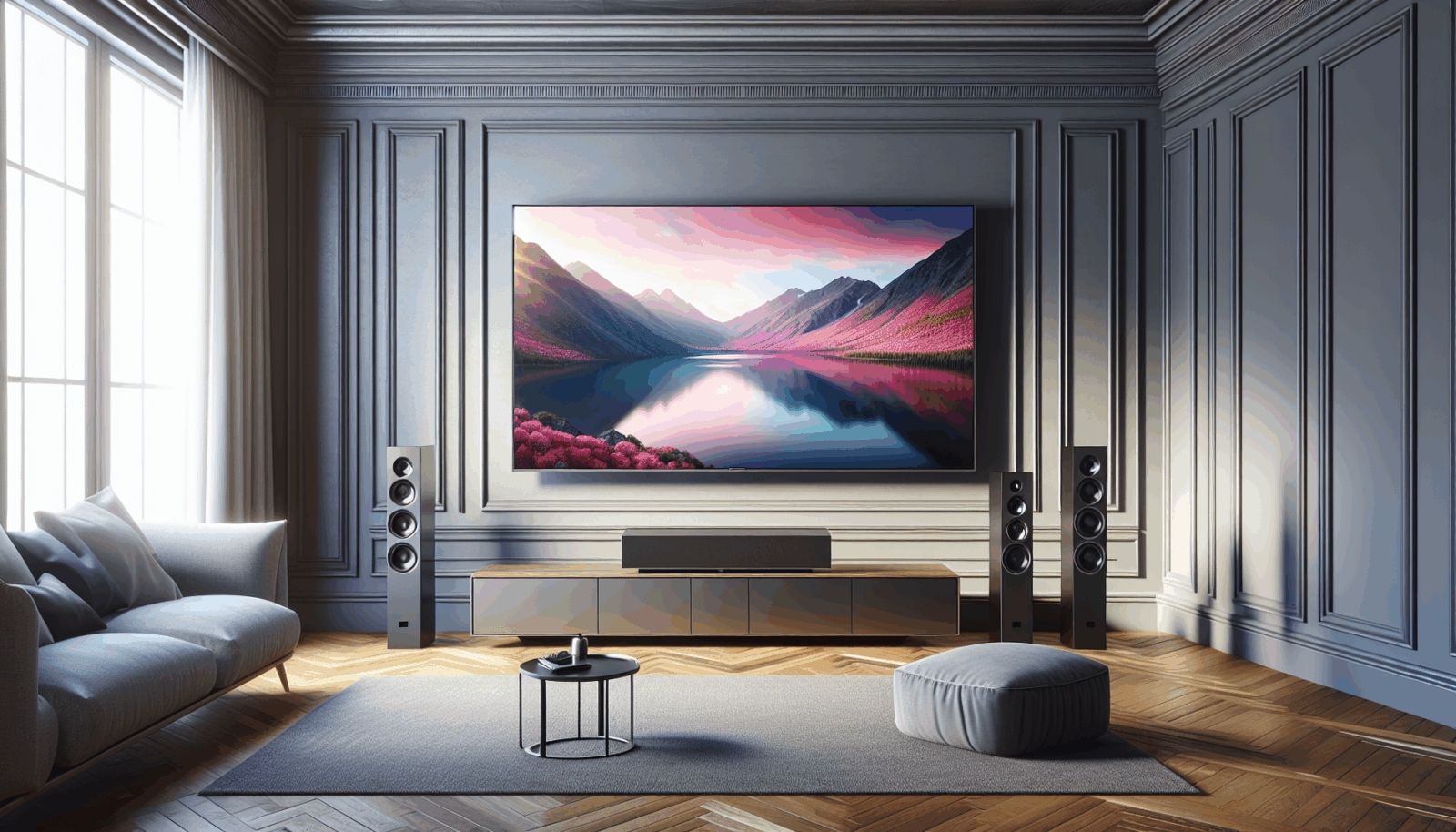
Weak dialogue does not always mean the television needs a bigger sound system. Placement, room reflections, connection settings, and a blocked speaker can make capable equipment sound thin or muddy.
Check the television settings
Turn off aggressive volume leveling or virtual effects temporarily and compare the standard, movie, and dialogue modes. Confirm that the output format matches the connected soundbar or receiver. If voices are clear in one app but not another, the source or audio format may be part of the problem.
Place the soundbar where it can play into the room
Keep the bar close to the screen and avoid blocking its front, top, or side drivers. Dolby's soundbar setup guide treats placement and room configuration as part of the system, including the relationship among the TV, soundbar, subwoofer, and listening position.[1] If the television is on an articulating arm, decide whether the soundbar should move with it.
Use the right connection
HDMI ARC or eARC can carry audio and control between compatible devices. Check the TV and soundbar manuals for the correct ports and settings. For demanding video connections, the Ultra High Speed HDMI certification program tests compliant cables for bandwidth up to 48 Gbps and low electromagnetic interference.[2]
Listen to the room
Hard floors, bare walls, large windows, and vaulted ceilings can create reflections that blur dialogue. Rugs, curtains, upholstered furniture, and careful speaker aiming may help more than raising the volume. Do not cover ventilation or hide a soundbar inside a cabinet unless it is designed for that placement.
Calibrate before expanding
Run the soundbar or receiver's room-calibration process if available, then test familiar dialogue at normal volume. Move the subwoofer if bass piles up in one seat and disappears in another. Add speakers only after the existing system is connected, placed, and configured correctly.
A clean TV installation should reserve room for audio from the start. Screen height, soundbar bracket, outlet, HDMI path, and service access all work better when planned together.
Sources
Manufacturer requirements and standards can change. Check the documentation for your exact television, mount, wall system, and room before installation.
- Dolby soundbar setup guide (accessed September 21, 2026)
- HDMI Licensing Administrator, Ultra High Speed HDMI Cable program (accessed September 21, 2026)